AnchorRun your first BI dashboard locally (Metabase)
This tutorial helps you launch a local BI stack (Metabase + Postgres) and start
exploring data right away. We’ll use the open-source demo project
immoteur/webhooks-ingest-demo,
which includes a small webhook ingestion API and a Metabase setup that reads
directly from the database.
If you’d like to explore the result before running anything locally, open the live demo.
Tip: Use
make demofor live mode (real webhook traffic viasmee.io). If you don’t have a source yet,make demo-with-seedinjects sample events so your dashboards are not empty.
AnchorWhat you'll build
- A local Metabase instance you can open in your browser.
- A Postgres database populated with webhook events and analytics-friendly tables.
- A first dashboard you can inspect, remix, and share locally.
AnchorPrerequisites
- Docker + Docker Compose (v2)
- Node.js 24+ (required by the demo scripts)
- Git + Make
- Free ports on your machine (defaults:
8080,3001,15432)
AnchorQuick links
- Demo repository: https://github.com/immoteur/webhooks-ingest-demo
- Metabase documentation: https://www.metabase.com/docs/latest/
- smee.io: https://smee.io/
AnchorArchitecture diagram
AnchorStep-by-step guide
Anchor1) Clone the demo project
git clone https://github.com/immoteur/webhooks-ingest-demo.git;
cd webhooks-ingest-demo;Anchor2) Start the stack (recommended)
Use live mode (real data) with the full Docker Compose stack + smee.io relays:
make demo;Example output:
[demo] Waiting for API at http://localhost:8080...
[+] Running 1/1
 ✔ Container webhooks_ingest_api                           Healthy   17.6s

[demo] Ready (live mode, no seed):
- API:      http://localhost:8080
- Metabase: http://localhost:3001
- Metabase admin: [email protected] / DemoAdmin!2025ChangeMe
- Metabase public dashboard: http://localhost:3001/public/dashboard/16b57a07-9831-4ec9-b927-b6207d3eaa31

[demo] smee relays (send webhooks here):
- classified-notification-single: https://smee.io/...
- classified-notification-batch: https://smee.io/...
- classified-export:       https://smee.io/...
What this does for you:
- creates
.envfrom.env.exampleif needed - starts Postgres + the ingestion API + Metabase
- bootstraps Metabase (admin user + DB connection)
- generates and starts 3
smee.iorelays (one per webhook endpoint) - prints URLs and credentials (including a public Metabase dashboard URL)
Metabase admin credentials also come from .env (defaults in the demo):
[email protected]METABASE_ADMIN_PASSWORD=DemoAdmin!2025ChangeMe
Anchor3) Open Metabase and verify the dashboard
- Open
http://localhost:3001 - Log in with
METABASE_ADMIN_EMAIL/METABASE_ADMIN_PASSWORD - Open the demo dashboard (or the public dashboard URL printed by
make demo)
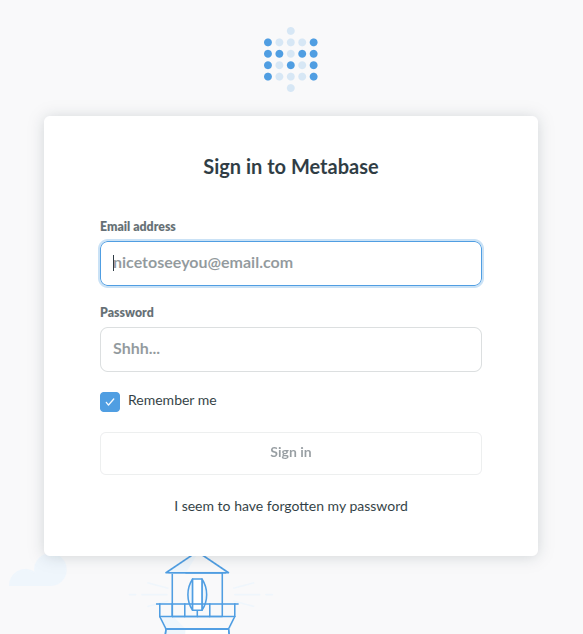
Log in to Metabase with the admin credentials from .env.
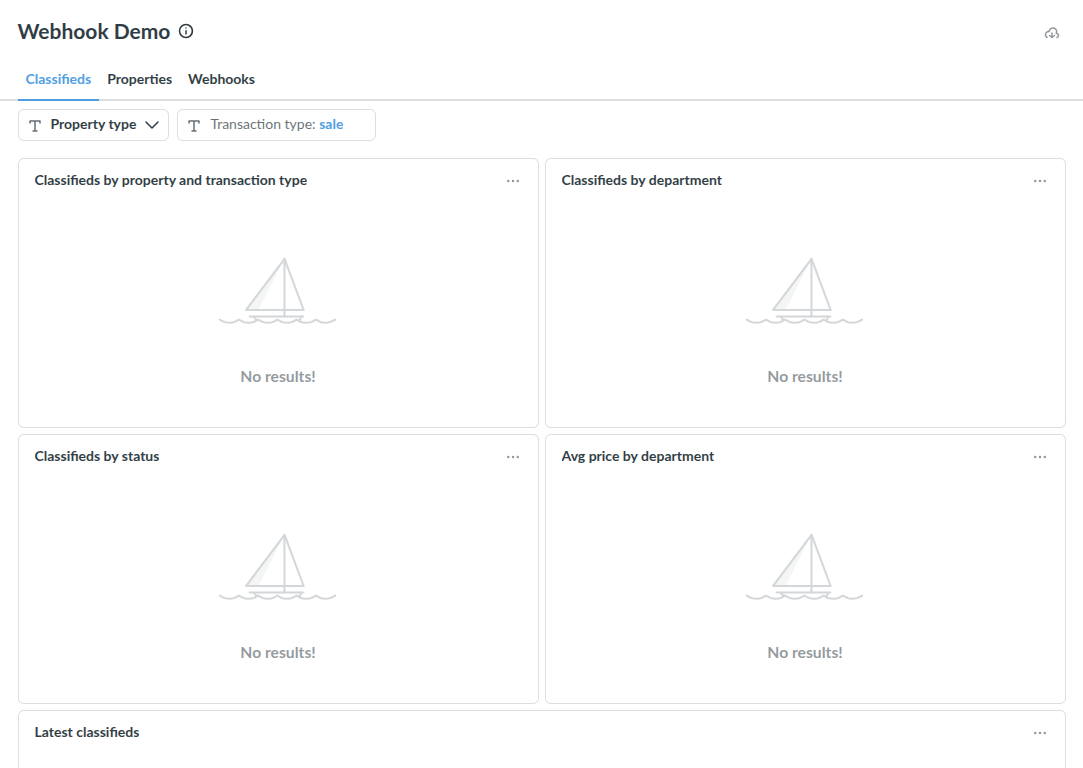
The demo project bootstraps a dashboard you can explore right away.
Anchor4) Explore the data model (your first BI dataset)
In Metabase, you should see tables like:
webhook_events: ingestion log forclassified-notification-single,classified-export, and acceptedclassified-notification-batchattempts (with retention cleanup)classifieds: flattened records derived from Immoteur payloads (classified-notification-single,classified-notification-batch, andclassified-export)classified_images: one row per image (joined toclassifieds)classified_price_history: one row per price change (joined toclassifieds)
Try a first question in Metabase’s SQL editor:
select count(*) as events from webhook_events;Anchor5) Send real events (or post sample payloads)
After make demo, your terminal prints 3 public relay URLs:
[demo] smee relays (send webhooks here):
- classified-notification-single: https://smee.io/...
- classified-notification-batch: https://smee.io/...
- classified-export:       https://smee.io/...
classified-export payloads can be large; if your relay rejects them (for
example with HTTP 413), send them directly to the local API (see the cURL tab)
or use make demo-with-seed.
Create the service in the Immoteur dashboard,
then paste the matching smee.io relay URL.
classified-notification-single remains the default;
classified-notification-batch uses the separate batch relay. When an event
is emitted, it is relayed to your local ingestion API and written to Postgres.
Back in Metabase:
- re-run your question or refresh the dashboard
- check
webhook_eventscount increased
Anchor6) Stop (or reset) the demo
To stop containers (keep data):
make stack-down-smee;To wipe everything (fresh start, deletes Docker volumes):
make stack-reset-smee;AnchorConclusion
You now have a local BI stack running: an ingestion API that writes to Postgres, and Metabase reading from it to power dashboards. Next, try creating your own question (e.g., “events per hour”), add it to a dashboard, and point the webhook endpoints to a real source when you’re ready.